
CapCut
CapCut for Android is ByteDance's free mobile video editor for cutting clips, adding music, text and effects, and exporting short videos.
301.5 MB

447.0.0.49.81 · Instagram · Page updated
Edits is a free video editor for Android from Instagram, built for making short vertical clips and publishing them to Reels.
Average 0.0 · ratings: 0
Thank you! Your rating is saved; you can change it. Could not save the rating. Please try again later. Too many ratings from your network today. Please try again tomorrow. The average appears after 5 ratings.
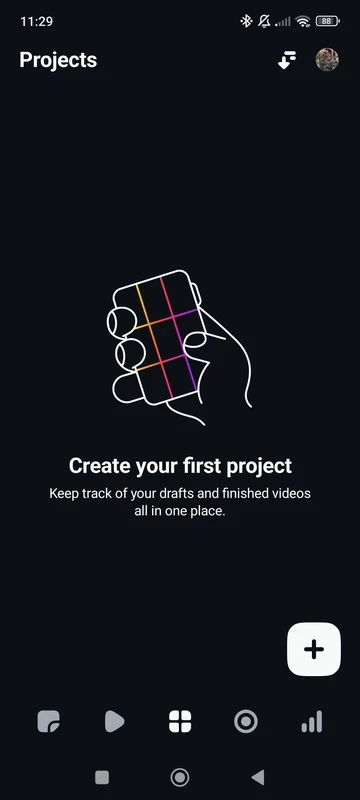
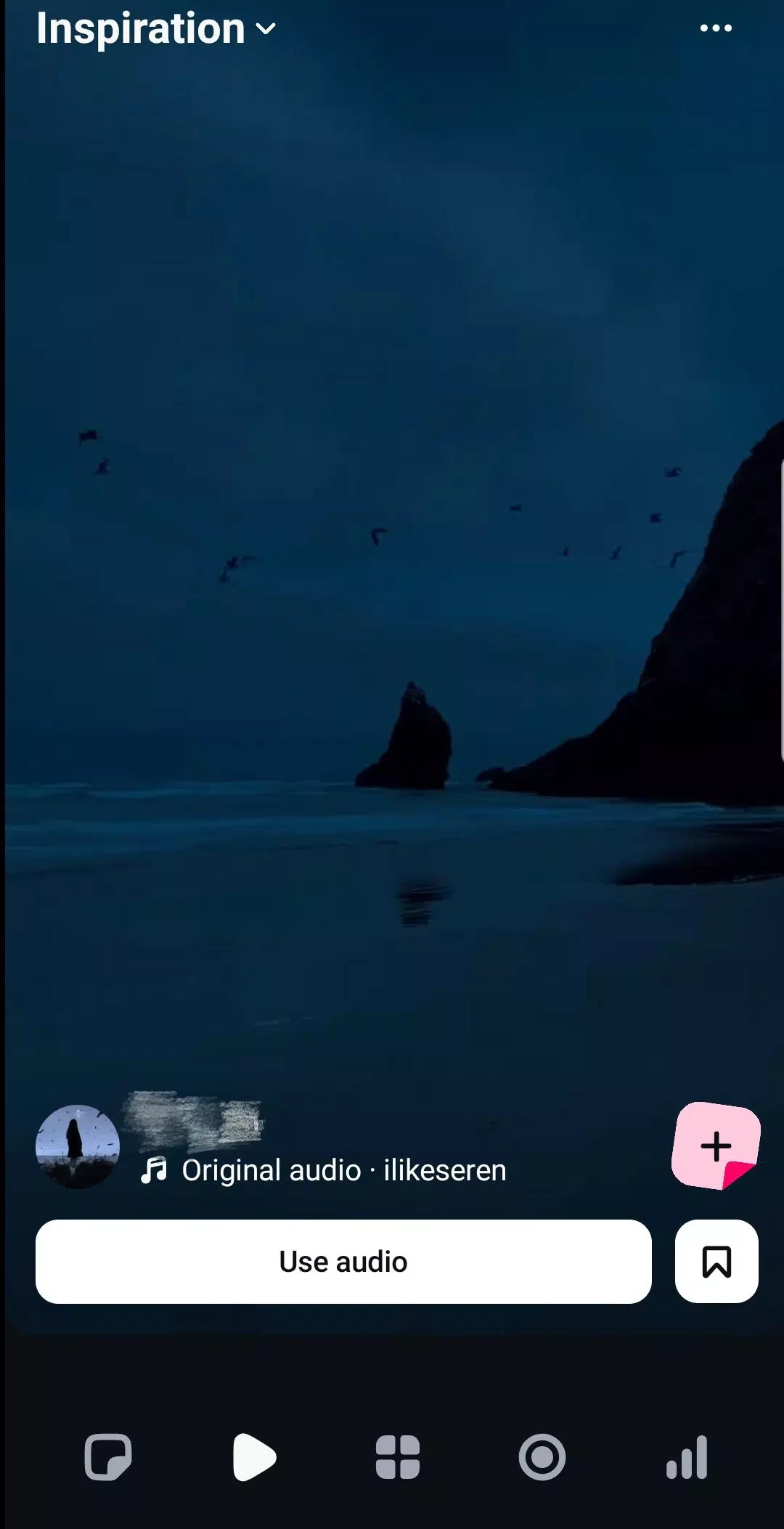
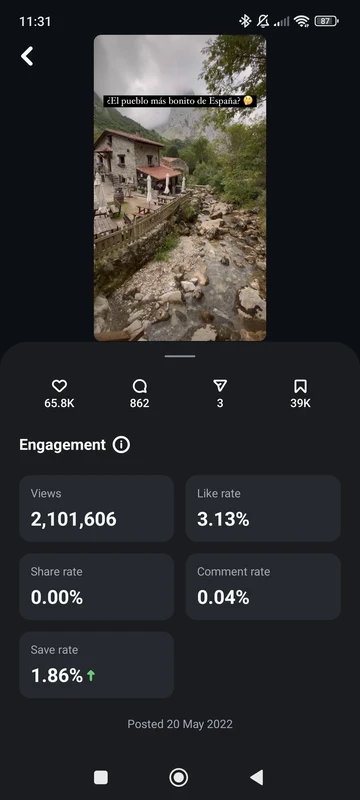
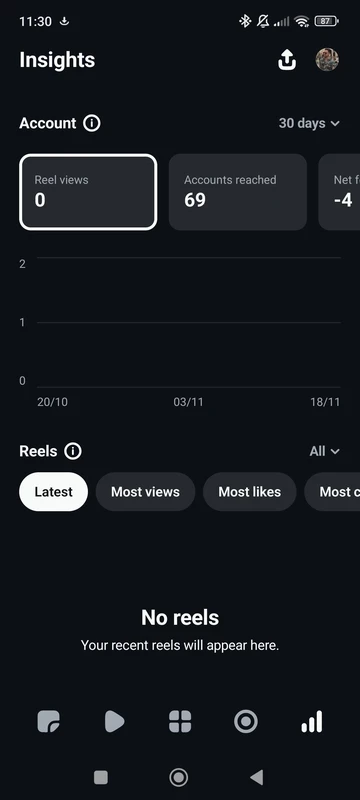
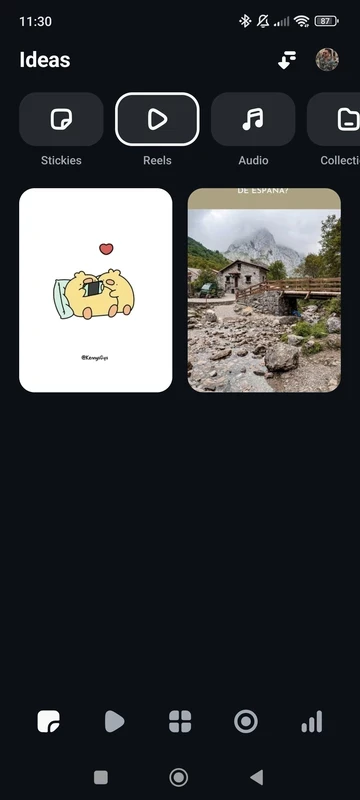
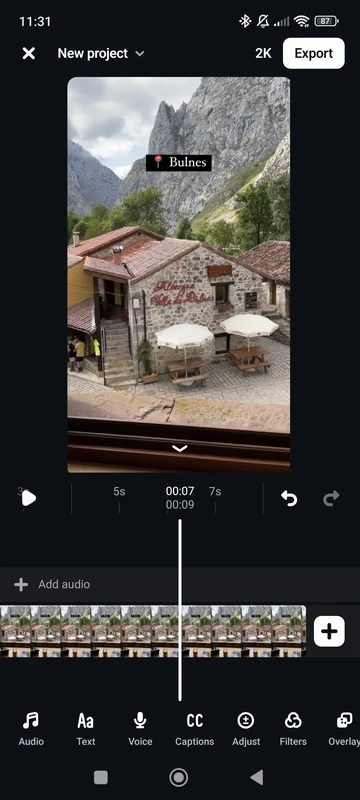
Edits is a free video editing app for Android made by Instagram, and the current release is 447.0.0.49.81. If you want to download a phone editor that is designed around short vertical videos and posts them to Instagram without extra exporting steps, Edits is the tool the company itself offers for that job.
Most people who shoot Reels have used a third-party editor at some point: they record on the phone, open another app to trim and caption the footage, export the file and then upload it back to Instagram. Edits removes that detour. It is a standalone app, separate from the main Instagram client, that focuses on the editing part of short-form video. You bring in clips from the gallery or record inside the app, arrange them on a timeline, cut the parts you do not need and add text, captions, music, stickers and transitions. When the video is ready, you can share it to Instagram or save it to the phone and use it anywhere else. The app is aimed at creators who publish often and want a workflow that stays in one place, but it is just as usable for someone who only makes a clip for friends now and then. Because it comes from the same company as Instagram, you sign in with your existing account instead of creating a new profile.
According to catalogue data, the Android package is about 125.74 MB, and projects with many clips need extra free storage on top of that.
Edits runs on Android phones and tablets with an internet connection for signing in, downloading music and sharing. Video editing is demanding: a recent phone with plenty of free memory will preview effects smoothly, while an older model may stutter on long timelines. Closing other apps before exporting usually helps.
Install Edits only from Google Play. Copies spread on file-sharing sites as "unlocked" or "pro" versions are not needed, since the app is already free, and they may carry malware that steals your Instagram login. Remember that the app is linked to your Instagram account: review which permissions you grant and what you share publicly.
Edits is free to use, with no subscription needed for the editing tools described above.
If you prefer an editor that is not tied to Instagram, other video apps on our site include CapCut, InShot, YouCut, VN – Video Editor and Alight Motion, the latter being oriented towards motion graphics and animation.
CapCut for Android is ByteDance's free mobile video editor for cutting clips, adding music, text and effects, and exporting short videos.

YouTube for Android is Google's app for watching, uploading and live-streaming video. Version 21.38.130 is the current release listed here.

InShot is a video editor for Android phones used to trim, combine and prepare clips for social networks.

DU Recorder is a free Android screen recorder for capturing gameplay, tutorials and video calls, with basic editing of the recorded clips.

VN – Video Editor is a free Android app from VN, LLC for editing videos on a phone: cut and join clips, add music, titles and transitions.

Wink is an Android video editing app from Meitu that uses AI to improve video quality, retouch faces and apply effects to clips.

TikTok is a free short-video app for Android from TikTok Pte. Ltd. Version 46.9.42 is the latest Android build.
TikTok Lite is the official lighter version of TikTok for Android, designed to save data and suit phones with limited storage.